Page templates built around hierarchy and pacing
A good landing page template is not a collection of pretty sections stacked vertically. It is a communication structure. The hero sets the promise, the supporting sections build evidence, the callouts create decision points, and the footer resolves the conversation. Every template in this catalog treats that flow as the primary design problem, not something to figure out after the visual layer is done.
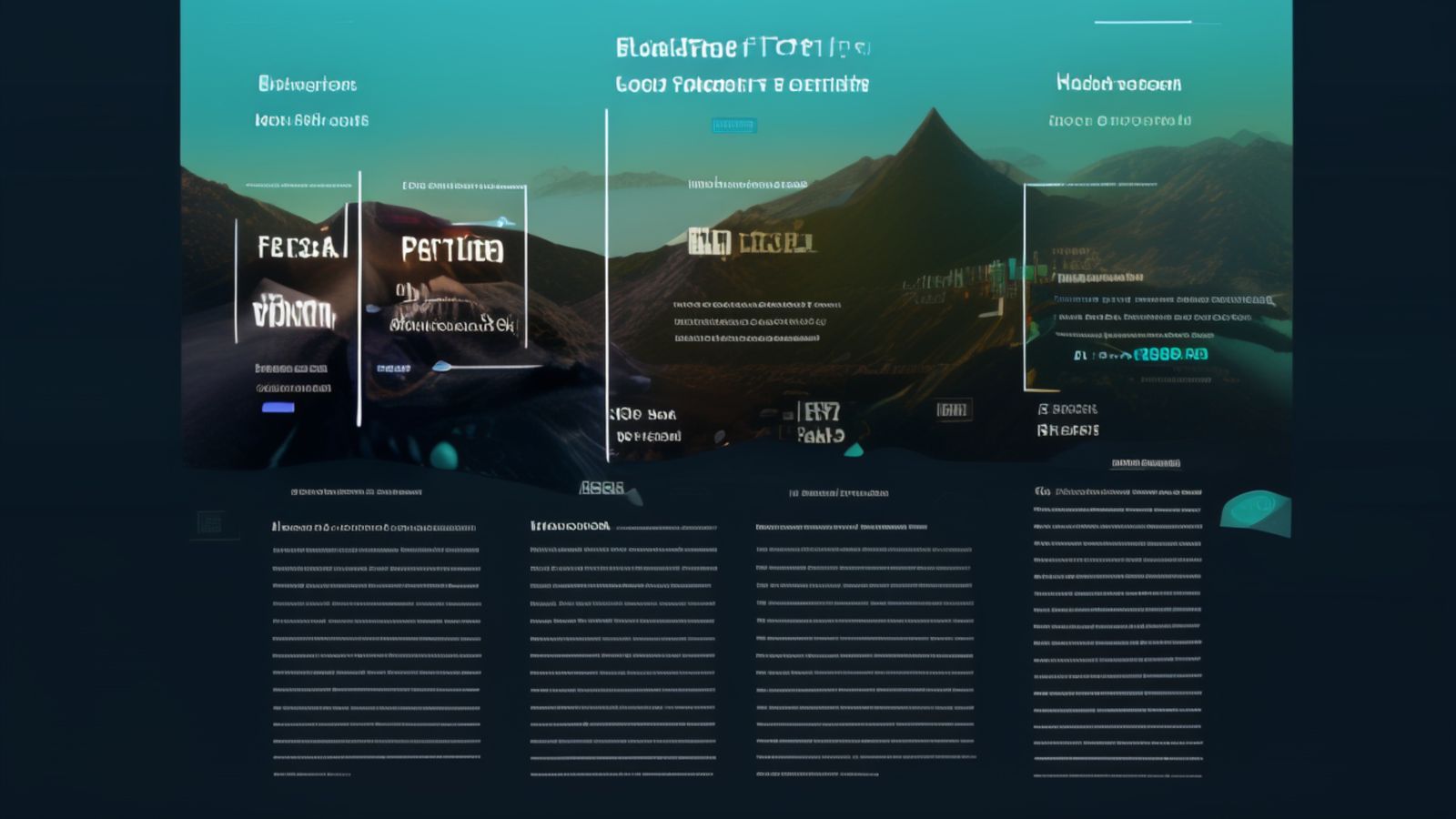
Clear structure for product pages, agency sites, and service introductions
Identity is the more conventional of the two template families, and that is entirely intentional. Most landing pages do not need to be clever. They need to present a value proposition clearly, support it with evidence, and guide the visitor toward a decision without making them hunt for information. Identity does exactly that.
The template is organized around a predictable section rhythm: a hero with a clear headline and supporting copy, followed by feature blocks that alternate between text-heavy and visual-heavy layouts, a social proof or testimonial section, a pricing or comparison area, and a final call to action. This is not a revolutionary structure. It is a proven one, and Identity executes it with attention to the details that most templates neglect.
Those details matter more than they appear to. The spacing between sections follows a deliberate vertical rhythm that prevents the page from feeling like disconnected blocks glued together. The typography scale is tuned so that headings establish hierarchy at every viewport width, not just on desktop. The responsive behavior is not an afterthought layered on at the end; the entire layout is built mobile-first with breakpoints that correspond to actual content reflow points rather than arbitrary device widths.
Identity handles content-heavy pages particularly well. Some templates look great with a four-word headline and a stock photo but collapse when you need three paragraphs of actual copy in a feature section. Identity is designed for real content: product descriptions that take more than one sentence, feature explanations that include technical detail, comparison tables that have more than three columns. The layout accommodates density without sacrificing readability.
Identity Resources
Bold layouts and deliberate asymmetry for pages that need to stand apart
Exodus exists because not every project can afford to look like every other project. Some brands, some products, some campaigns need a landing page that signals distinctiveness before the visitor reads a single word. Exodus provides that signal through layout decisions rather than decorative effects.
Where Identity uses a centered, symmetrical section rhythm, Exodus breaks the grid intentionally. Content blocks shift off-center. Image placements overlap section boundaries. The vertical rhythm varies between sections to create a sense of movement that carries the visitor down the page without feeling repetitive. These are not random choices. Every asymmetric decision in Exodus is calibrated to maintain readability and usability while creating visual tension that a conventional layout cannot achieve.
The challenge with unconventional layouts is that they often sacrifice usability for style. A hero image that bleeds across the fold looks dramatic but can push the primary headline below the viewport on smaller screens. A sidebar that overlaps the main content creates visual interest but makes the text unreadable at certain breakpoints. Exodus avoids these traps by treating responsive behavior as a constraint, not an afterthought. Every bold layout choice has a corresponding responsive fallback that preserves the intent of the design without breaking the reading experience.
Exodus is particularly effective for portfolio sites, creative agency pages, product launches where first impressions carry significant weight, and campaign pages that need to differentiate themselves from a competitor's template-driven approach. It is less suited for dense information pages or documentation-heavy contexts where conventional structure serves the content better. Knowing when to use Exodus and when to reach for Identity is part of making good template decisions.
Exodus Resources
Template quality lives in hierarchy and pacing, not visual effects
The most common failure mode for landing page templates is that they optimize for the screenshot. The preview looks polished, the demo site uses perfect placeholder content, and the layout appears to handle everything gracefully. Then a team drops in their actual headline, which is fourteen words instead of four, their feature descriptions that run three sentences instead of one, and their product images that are not perfectly cropped to the template's expected aspect ratio. Suddenly the template fights the content instead of supporting it.
Both Identity and Exodus are built to avoid this. The layouts are tested with content that varies in length, density, and visual weight. Sections accommodate long and short headlines without breaking. Image containers handle different aspect ratios through object-fit and flexible sizing rather than fixed pixel dimensions. The spacing system uses relative units tied to a vertical rhythm scale so that adding or removing a section does not require manual spacing adjustments throughout the page.
Responsive layout is where most templates reveal their true quality. A template that looks great at 1440 pixels but collapses at 768 pixels is not a responsive template. It is a desktop template with media queries taped on afterward. Both Identity and Exodus start from a mobile layout and add complexity at wider viewports, following the web.dev guidance on responsive layout. This approach ensures that the smallest viewport always works, and wider viewports get progressive enhancements rather than emergency overrides.
Pacing is the other dimension that separates a competent template from a mediocre one. Section pacing controls how quickly a visitor moves through the page. Tight pacing with shorter sections and less whitespace creates urgency and momentum. Generous pacing with taller sections and more breathing room creates a sense of authority and deliberation. Identity uses measured, consistent pacing suited to trust-building pages. Exodus varies its pacing deliberately to create rhythm and surprise. Both approaches are valid, and both are intentional rather than accidental.
Before choosing a template, spend five minutes with the demo using your own content mentally. Does the hero section have room for your actual headline? Will your feature descriptions fit the content blocks without overflow or awkward truncation? Does the section rhythm match the story you need to tell? If the answer to any of these is no, the template is wrong for your project regardless of how good it looks with placeholder content.
Both Identity and Exodus ship with clean, semantic HTML. The class naming follows BEM-style conventions that are easy to extend without fighting specificity. The CSS avoids deep nesting and keeps selector specificity low so that overrides do not require !important flags or increasingly specific selectors. These are not glamorous features, but they are the features that determine whether a template is pleasant to customize or frustrating to work with.
Every section in both templates is designed to be independently removable. If your page does not need a testimonial section, you can remove it without breaking the vertical rhythm or leaving a visible gap in the layout. If you need to add a custom section that neither template anticipates, the spacing system and grid structure make it straightforward to insert new content blocks that feel native to the design.